🧾
Billing & receipts
Create orders quickly, split bills, manage discounts, print receipts and handle table, counter, delivery or takeaway sales.
SambaPOS Oman helps restaurants, cafés, fast food outlets, cloud kitchens and hotels manage billing, tables, kitchen orders, delivery, inventory and reports from one practical system.
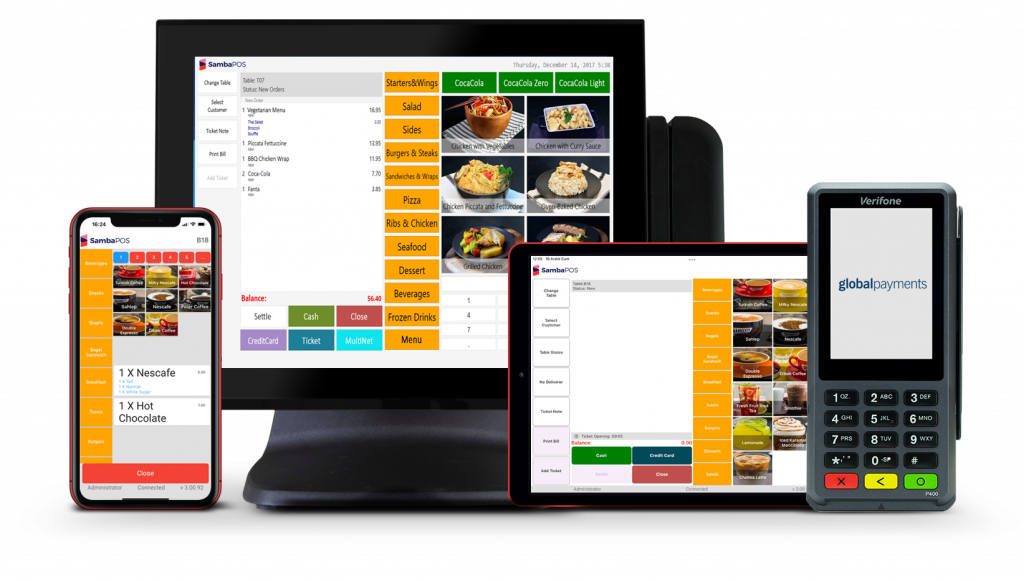
Your POS should not confuse your team. SambaPOS can be configured around your menu, floor plan, kitchen, delivery workflow, tax setup and reporting needs.
Create orders quickly, split bills, manage discounts, print receipts and handle table, counter, delivery or takeaway sales.
Send orders to kitchen printers or KDS screens so chefs get clear tickets and staff reduce missed orders.
See sales, revenue, top items, staff activity, stock usage and daily performance without waiting for manual reports.
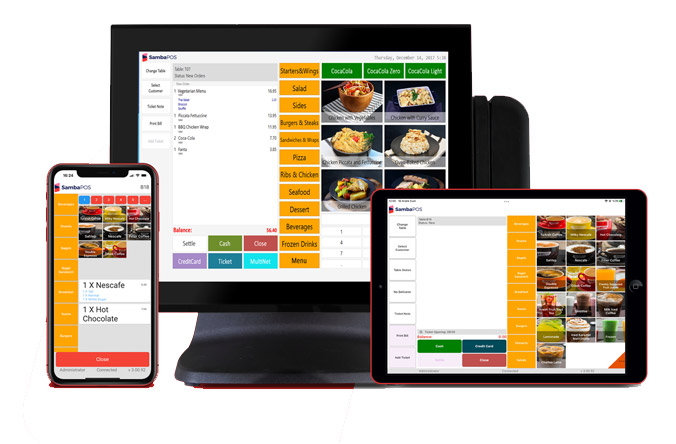
We help you choose the right setup, configure your menu, taxes, printers, user roles, kitchen routing and reports, then train your team so the system works in real daily operations.
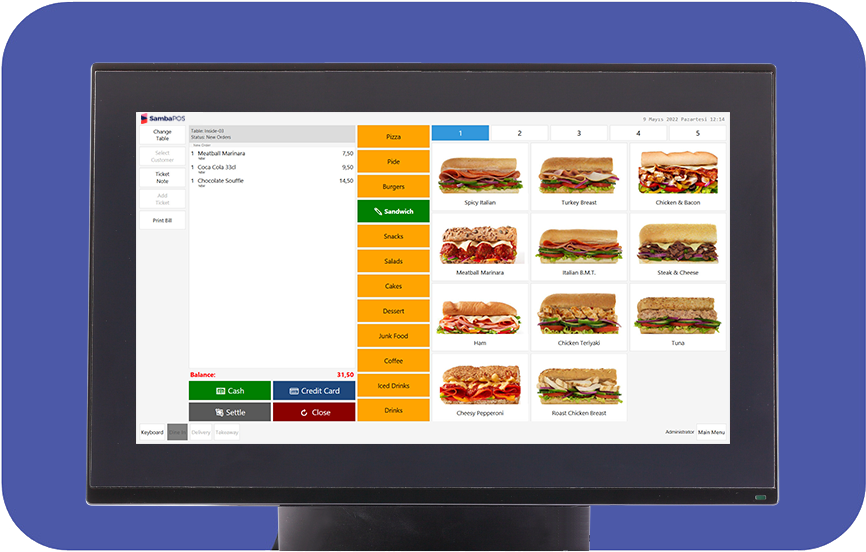
SambaPOS can be adjusted around your menu, buttons, departments, printer routing, permissions, reports and daily closing process, so your staff see what they need and owners get useful information.
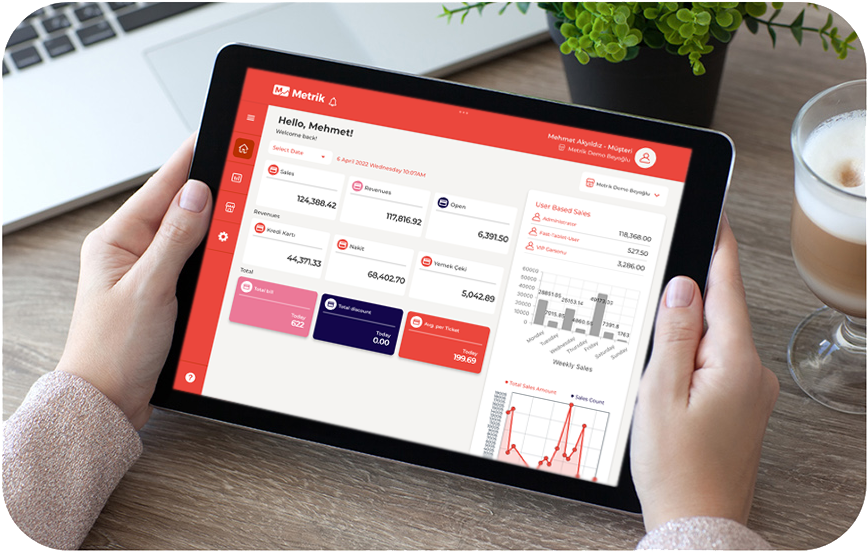
With proper reports, owners can check sales trends, best-selling items, cashier activity, stock movement and branch performance. This helps you make decisions with data instead of guesswork.
Choose only what your restaurant needs now. Add mobile, kitchen, QR menu or reporting tools as you grow.
Main restaurant POS for orders, billing, tables, delivery, taxes, users, reports and restaurant management.
Let waiters take orders from Android or iOS devices and send them to the kitchen immediately.
Track sales, employees, revenue and workflow on mobile devices so owners can stay informed.
Replace paper confusion with kitchen screens for clearer order preparation and faster service.
Allow customers to place orders from a kiosk for fast food, cafés and high-volume outlets.
Let guests scan, view menus, order or interact digitally depending on your chosen setup.
Tables, courses, split bills, kitchen routing and service reports.

Fast counter billing, modifiers, loyalty options and daily sales control.

Quick ordering, KDS, combo items, takeaway and delivery workflows.

Manage delivery menus, production flow and order visibility.
Pool, beach, lounge and outlet billing with flexible workflows.
Portable billing, simple menus and quick customer checkout.
Table service, notes, course control, permissions and reporting.
Time-based billing and membership management options.
Most restaurant owners do not want software only. They want the system working correctly on opening day. Our implementation process keeps it clear.
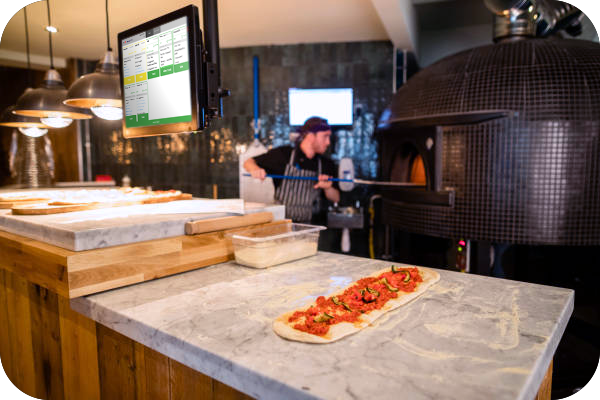
Use these as simple starting points. Final pricing depends on terminals, printers, modules, menu size and support requirements.
For small cafés & counters
Most popular
For QR & mobile ordering
For growing brands
The existing SambaPOS Oman site lists many restaurant and café clients, including Tea Time, Juice World, Loqimat, Rays Bagels, Zaki Restaurant, Lebanese Chef, Izmir Turkish Restaurant, Mlinar Café and more.
Yes, restaurant POS workflows can be configured to keep billing running locally. Online services such as cloud reporting or online ordering depend on the selected setup.
Yes. Delivery, takeaway, customer details, multiple menus and price lists can be configured based on your outlet workflow.
Yes. SambaPOS Mobile Client allows table-side order taking from supported mobile devices.
Yes. KDS can be added when your kitchen needs clearer order flow and faster preparation tracking.
Yes. Training is part of the implementation so your cashiers, waiters, supervisors and owners understand their daily workflow.
Yes. SambaPOS can be used by small cafés and scaled later with extra terminals, reports, mobile ordering or kitchen screens.
Share your outlet type, number of counters, kitchen setup, delivery needs and reporting requirements. We will suggest the correct SambaPOS products and services.